Enshrouded Nucleus Co-Op Guide
Enshrouded supports 2-4 player local split-screen via Nucleus Co-Op using local multiplayer connection. One of the most popular survival RPG setups in the Nucleus community.
Get game setup in NucleusRequirements
How to Set Up Enshrouded Split-Screen
Enshrouded has a straightforward Nucleus handler that uses built-in local multiplayer. The game's dedicated server architecture makes it one of the more stable setups.
- 1.
Install game setup
Search 'Enshrouded' in Nucleus and install. Point to enshrouded.exe in your Steam library.
- 2.
Open Steam
Keep Steam running before launching Nucleus.
- 3.
Assign Controllers
Assign Xbox-style controller controllers to each screen section in the Nucleus UI.
- 4.
Host and Join
Click Play. On the first instance, create a game and set to multiplayer. On the second, use the join game option and connect via LAN.
Tips
Enshrouded has a dedicated server option — if you have spare hardware, running a dedicated server and connecting both Nucleus instances to it can be more stable.
Lower the view distance and shadow quality per instance for better performance.
Each player has their own character and inventory in Enshrouded multiplayer.
Enshrouded updates regularly — check the Nucleus game library if the handler stops working after an update.
Common Issues
Enshrouded instances disconnect after a few minutes +
About Enshrouded Split-Screen
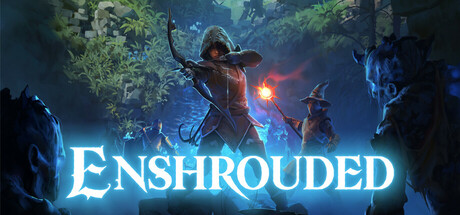
Enshrouded is a survival action RPG by Keen Games, set in a voxel-based open world filled with crafting, building, and dungeon exploration. It supports up to 16 players in online co-op, but lacks native PC split-screen.
The Nucleus handler for Enshrouded appeared quickly after the game's Early Access launch in early 2024 and has been well-maintained since. The game's use of dedicated server sessions makes it relatively stable under Nucleus local multiplayer connection.
Enshrouded is particularly enjoyable in split-screen because much of its gameplay involves exploration and base building — activities that work well with two players on the same screen.
As the game continues to receive updates through Early Access, the handler may occasionally need updating. The SplitScreen.Me community typically responds to handler breakage within a few days of major game patches.